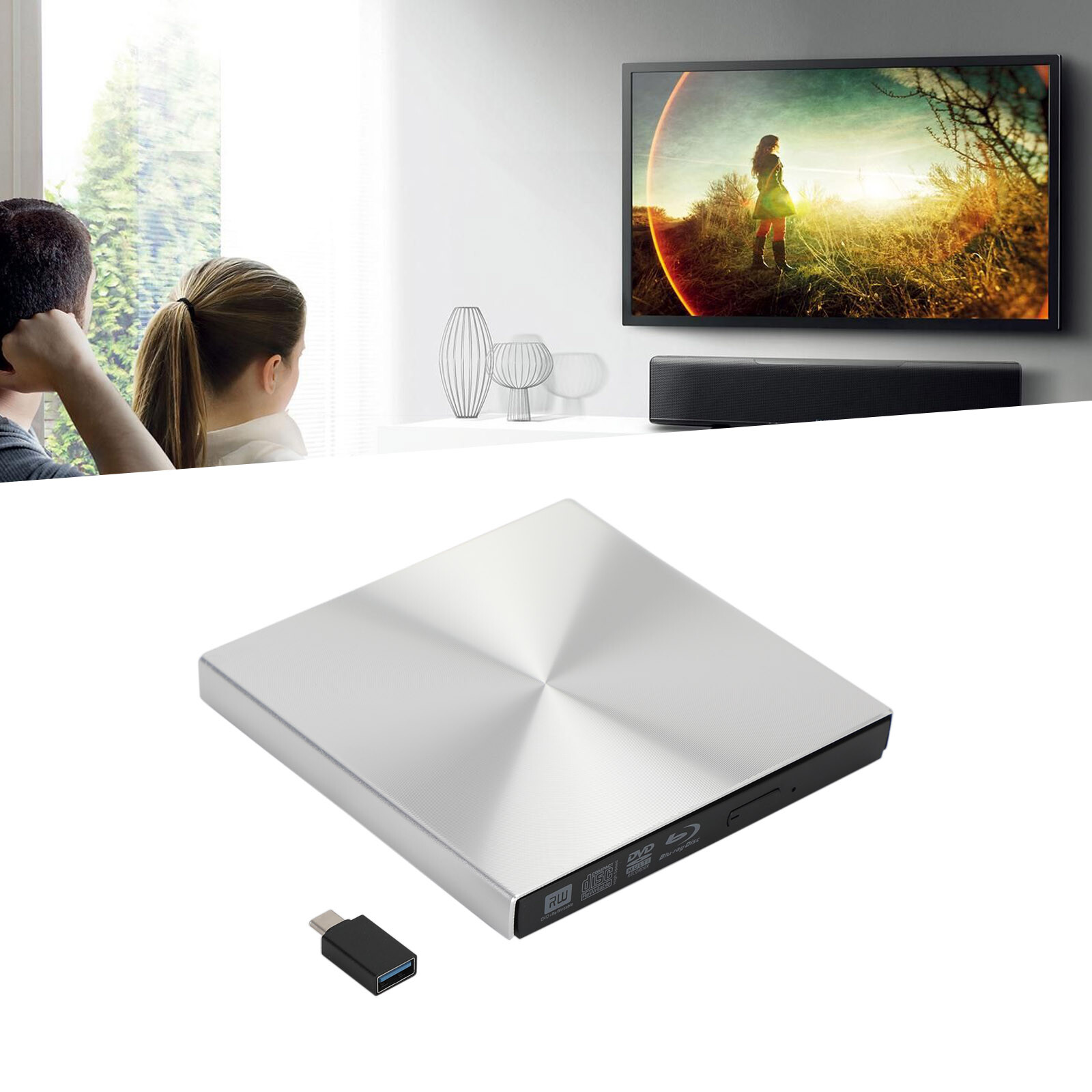
2024 External Cd Dvd Rw Drive Usb 3.0 Writer Burner Player
Black For Laptop Pc
USD $18.99
Condition : New
Free Shipping
{{variant_type_name}} :

Notify me when the price drops
We will email you if we find a lower price on this product!
📀【High Writing and Reading Speed】Max 8x DVDR Write Speed and Max 24x CD Write Speed provide high writing and reading speed. 📀【Wide Compatible】This external dvd cd drive is compatible with Windows 98 / SE / ME / 2000 / XP / Vista / Windows 11/10/8/7, Mac OS (8.6 to 10.14). And perfect for PC, Laptop, Comprehensive Computer, Internal PC hard disk reader. NOT COMPATIBLE with Chrombook, Blue-ray. 📀【Plug and Play Technology】Powered by USB port so just plug it into your USB port and the DVD driver will be detected. Don’t need to install software to set up driver. 📀【Advanced USB3.0 Technology】 USB 3.0 provides fast data transfer speed and stable performance to record CD/ music/ videos/ install software or create CD/DVD backup disc (also compatible with USB 2.0). 📀【Ingenious Design】 This ultra-slim CD/DVD player for laptops equipped with an eject button so that you needn't worry about your disc getting stuck inside this external CD/DVD drive. Besides, the copper mesh technology of this external component, you can be rest assured of stable data transmission.
Gotega USB 3.0 USB-A External CD/DVD Drive for Laptop
Things should be noted about this usb cd rom external drive
1. Remember to set the DVD Region to United States on the player – Properties – click Hardware Tab – click Properties button – then choose country Region (US is 1) and OK to apply. Remember you can only reset the country 5 times.
2. Please directly connect it to the USB port of the computer. Connection through a USB hub or USB extension cord may affect the device’s functioning. For desktops, please connect it to the back USB port of the motherboard because of potential power issue.
3. Mac OS computers do not display the device icon before placing a disc into disc tray.
4. Computers does not natively support DVD movie playback, so a third-party application, such as VLC, must be downloaded and installed in order to watch DVDs using this cd/dvd player. You could download any one of a plethora of burning software utilities available on the Internet. Or try the following:
No fee playing software: Any Media Player, Any DVD
No fee burning software for Windows OS: InfraRecorder, Ones, Express Disc Burner
No fee burning software for mac OS: Burn for mac
No fee burning software for Linux OS/Unix OS: K3b (KDE Burn Baby Burn)
5. There is a basic DVD burner for Windows 10 that lets you copy files from your computer to a disc. More advanced software allows you to make discs compliant with DVD, Blu-ray, and CD and for more obscure tech like VCD players.
6. Just because you have a series of video files doesn’t mean they are compatible with DVDs. In fact, most computer and phone video formats are not compatible. So you need a third-party software to convert your file format to one that can be shown on discs. It won't work even you burn your file onto discs without converting format.
Features of This External Disc Drive
Lightweight DVD Writer
This cd reader for mac is so lightweight and compact that it's convenient to be carried everywhere.
Details of DVD Burner External
The attached cable stores away neatly in a groove on the underside so there's no possibility of losing it.
Low-Noise External CD Burner
This usb optical drive produces almost no noise while processing discs and thus won't be disturbing.
Not Compatible with
This disc reader is compatible with laptops or desktops with Windows OS, mac OS and Linux OS only.
Gotega USB 3.0 USB-A External CD/DVD Drive for Laptop
Things should be noted about this usb cd rom external drive
1. Remember to set the DVD Region to United States on the player – Properties – click Hardware Tab – click Properties button – then choose country Region (US is 1) and OK to apply. Remember you can only reset the country 5 times.
2. Please directly connect it to the USB port of the computer. Connection through a USB hub or USB extension cord may affect the device’s functioning. For desktops, please connect it to the back USB port of the motherboard because of potential power issue.
3. Mac OS computers do not display the device icon before placing a disc into disc tray.
4. Computers does not natively support DVD movie playback, so a third-party application, such as VLC, must be downloaded and installed in order to watch DVDs using this cd/dvd player. You could download any one of a plethora of burning software utilities available on the Internet. Or try the following:
No fee playing software: Any Media Player, Any DVD
No fee burning software for Windows OS: InfraRecorder, Ones, Express Disc Burner
No fee burning software for mac OS: Burn for mac
No fee burning software for Linux OS/Unix OS: K3b (KDE Burn Baby Burn)
5. There is a basic DVD burner for Windows 10 that lets you copy files from your computer to a disc. More advanced software allows you to make discs compliant with DVD, Blu-ray, and CD and for more obscure tech like VCD players.
6. Just because you have a series of video files doesn’t mean they are compatible with DVDs. In fact, most computer and phone video formats are not compatible. So you need a third-party software to convert your file format to one that can be shown on discs. It won't work even you burn your file onto discs without converting format.
Features of This External Disc Drive
Lightweight DVD Writer
This cd reader for mac is so lightweight and compact that it's convenient to be carried everywhere.
Details of DVD Burner External
The attached cable stores away neatly in a groove on the underside so there's no possibility of losing it.
Low-Noise External CD Burner
This usb optical drive produces almost no noise while processing discs and thus won't be disturbing.
Not Compatible with
This disc reader is compatible with laptops or desktops with Windows OS, mac OS and Linux OS only.
Returns Accepted for this item if it's within 30 Days

Price type
IN STOCK
OUT STOCK






 .
